Bıbs
Bibs for venues

Fill the dead hours.

A pitch hour you don't sell today is gone forever. Bibs fills your quiet hours with weekly games, keeps them going when people drop out, and gives you one place to run the venue: the timetable, the front desk, the money and your players.

Email us to get set up
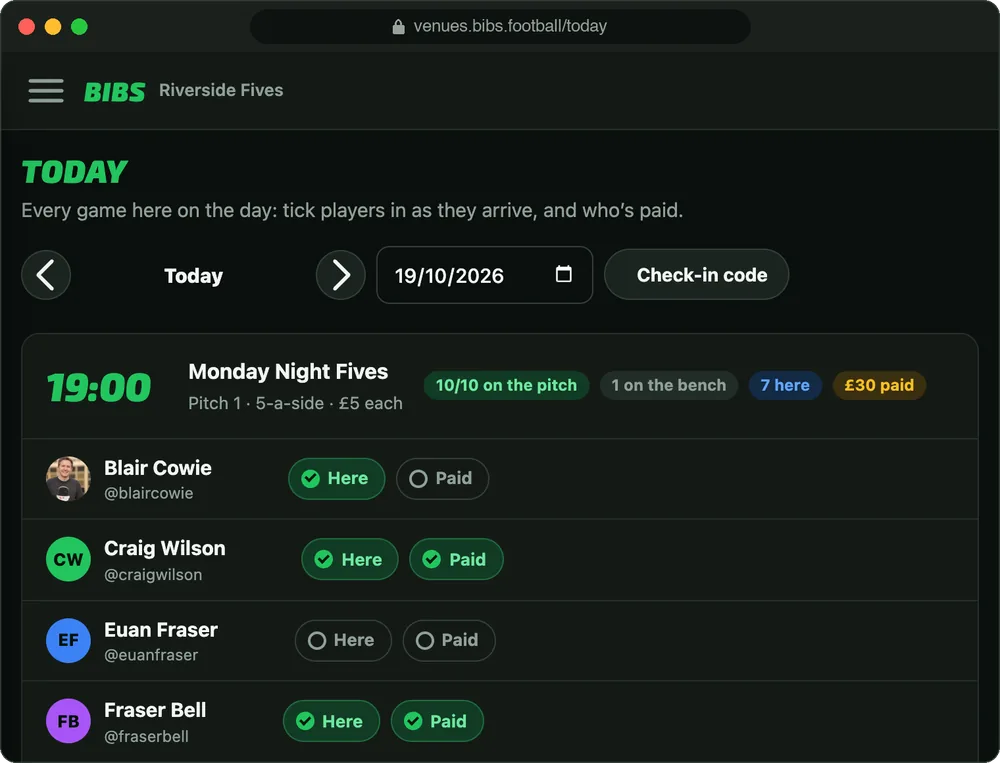
Today in the Bibs venue portal: Monday Night Fives at 19:00 with 10 of 10 on the pitch, 7 here and £30 paid, and a Here and Paid tick beside every player.

The problem you already know

Peak evenings sell themselves. It's the off-peak hours, the 4pm Tuesday and the Sunday morning, that sit empty, and the bookings you do have that quietly die: an organiser can't replace two dropouts on WhatsApp, so the whole game cancels.

Fill more of your hours

Bibs brings local players to your pitches, and keeps the games you already have from cancelling.

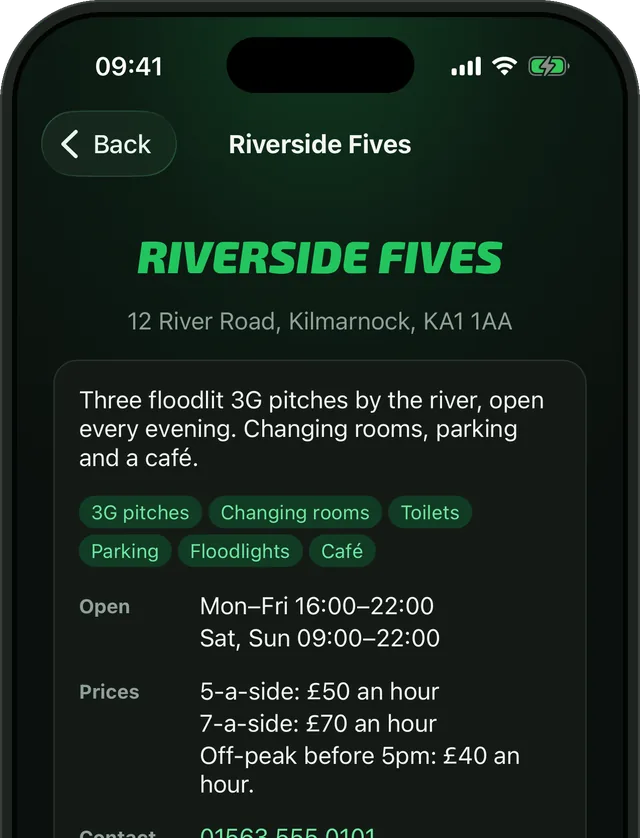
A venue's page in the Bibs app: its address, about, facilities, opening hours, prices and contact details.

Your page in the app

Players find your pitches, facilities, prices and opening hours in Bibs. They follow you, message you, ask to book, and hear when a game at your venue needs players.
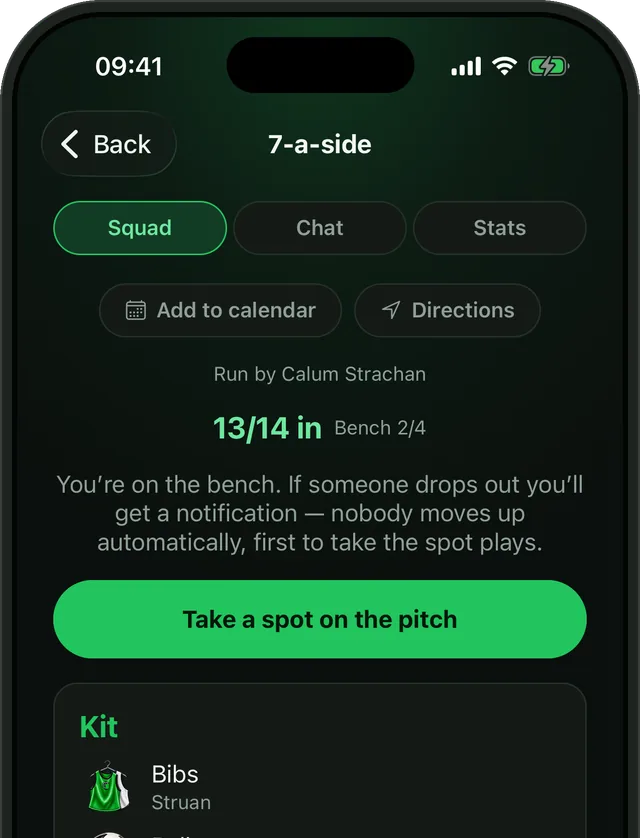
A weekly game in Bibs with a full pitch and players waiting on the bench.

Dropouts covered from the bench

Every game has a bench of four. When someone drops out, the bench is told straight away and the first to take the place gets it, so the game goes ahead and the hour is still paid for.
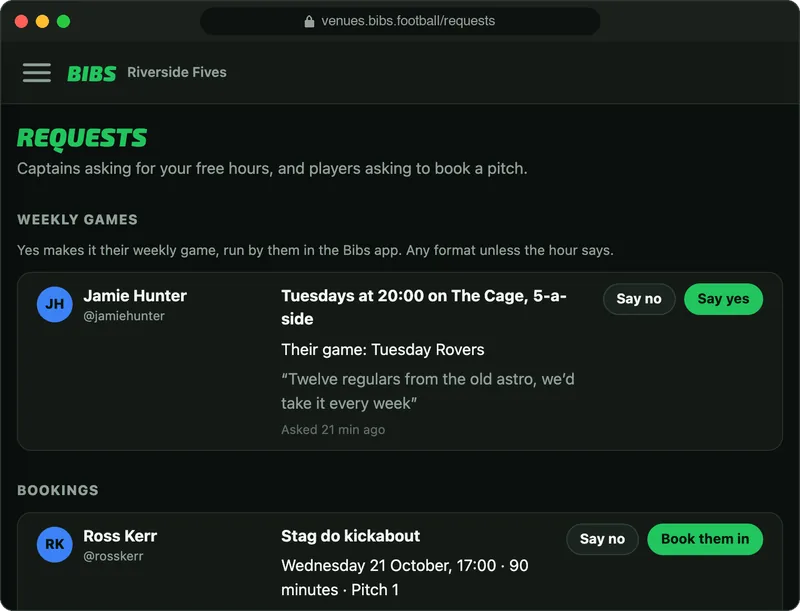
Requests in the Bibs venue portal: a Captain asking for Tuesdays at 20:00 on The Cage as their weekly game, and a player asking to book a pitch, each with Say no and Say yes.

Quiet hours become weekly games

Offer a free hour, and Captains ask to make it their weekly game. Say yes and it's theirs every week, run by them in the app. Players can ask to book a pitch from your page too.
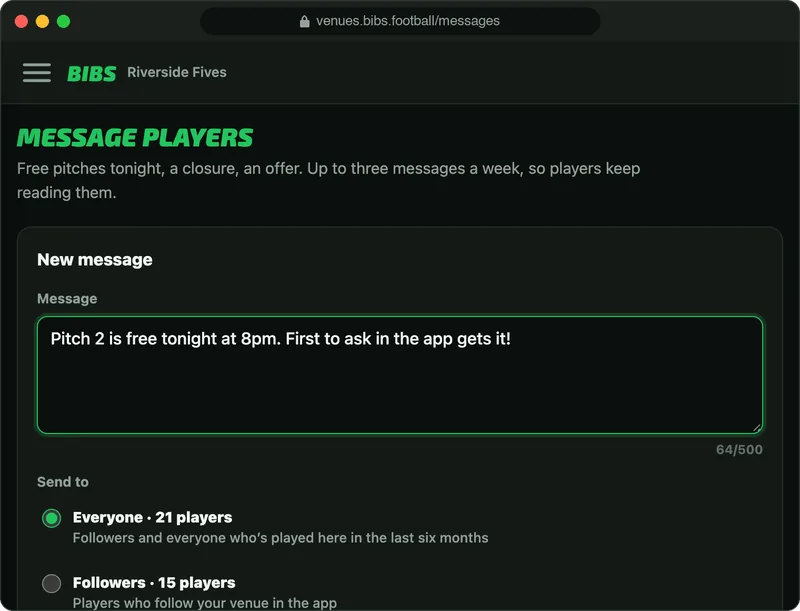
Message players in the Bibs venue portal: a message saying Pitch 2 is free tonight at 8pm, to be sent to everyone, 21 players.

Tell players when a pitch is free

Message your followers and everyone who's played with you: a free pitch tonight, a closure, an offer. Up to three a week, so players keep reading them.

Venue portal

Run the whole venue from one page

Your staff sign in at venues.bibs.football with their own Bibs account, on a computer, a tablet or the phone in their pocket.
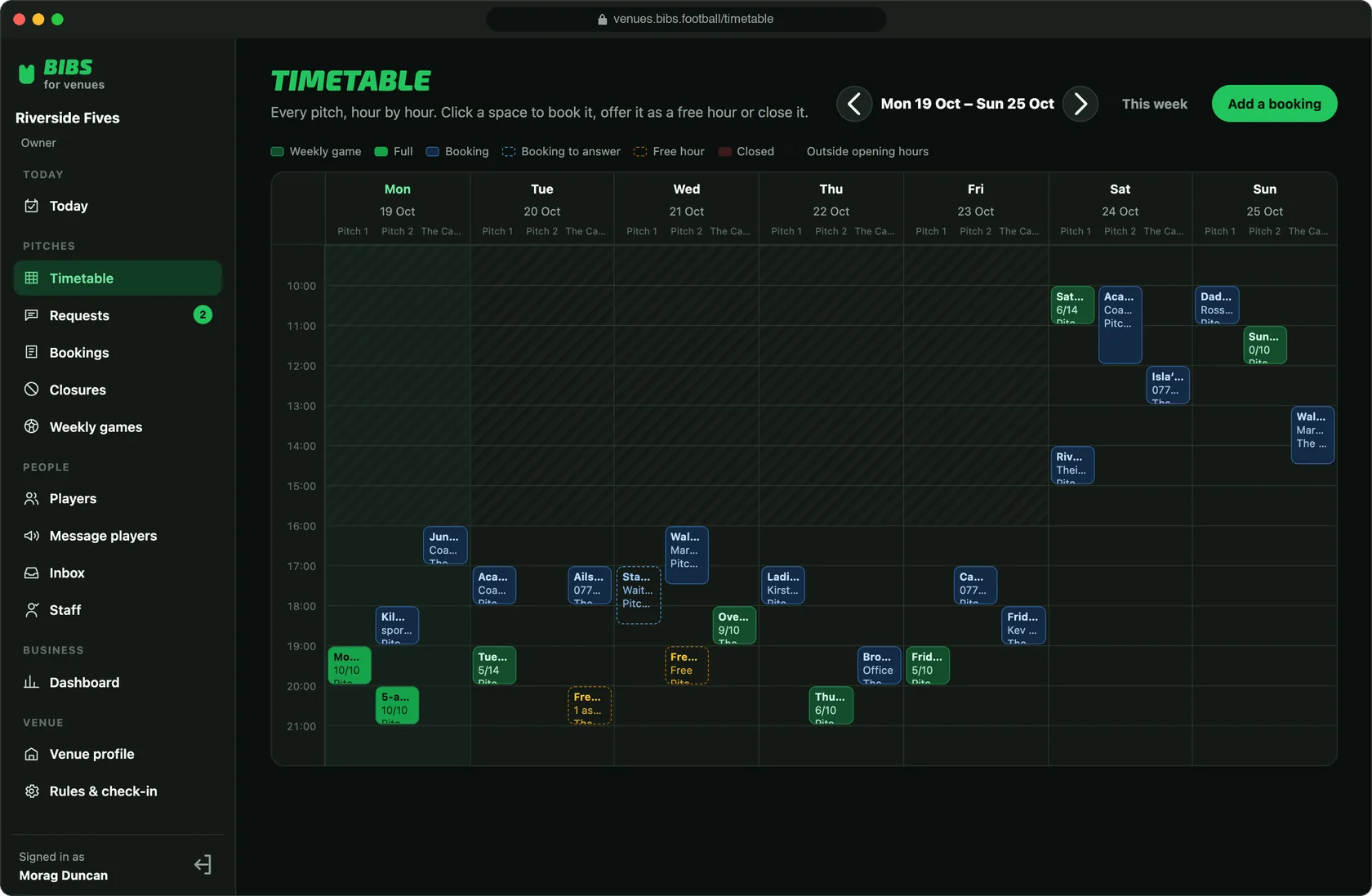
The timetable in the Bibs venue portal: a week of three pitches by the hour, with weekly games and how full they are, bookings, free hours and the hours the venue is shut.
  • Every pitch by the hour, for the whole week: weekly games and how full they are, bookings, free hours and closures.
  • Click a space to book it, offer it as a free hour or close the pitch that day.
  • Bookings without the clashes: one-offs or the same time for up to 12 weeks. Nothing double-books a pitch, and nothing is booked outside your opening hours.
  • Close a pitch or the venue for a day or up to three months. Its games are called off and every player is told; reopen and they're back.
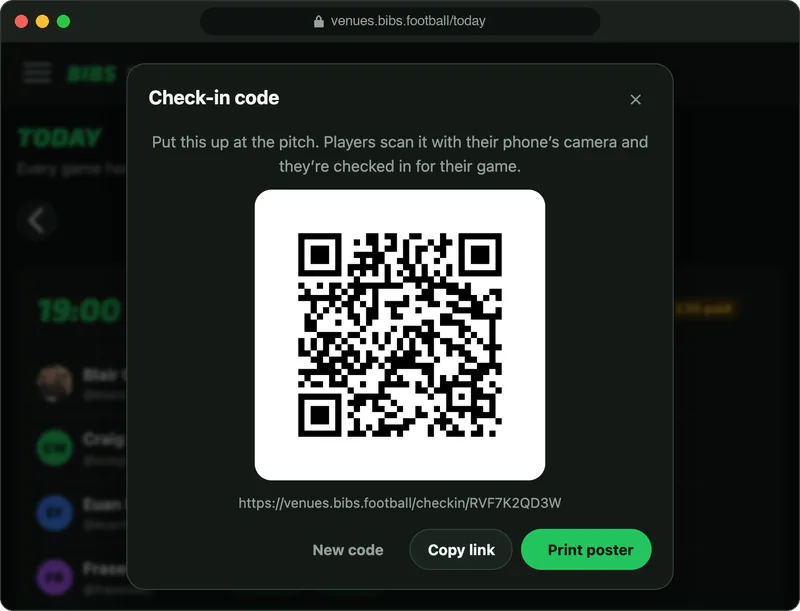
The check-in code in the Bibs venue portal: a QR code to put up at the pitch, with Copy link and Print poster.

Check-in by QR code

Print the poster and put it up at the pitch. Players scan it with their phone's camera and they're checked in, or the front desk ticks them in. Turn on "no scan, no show" if you want it.
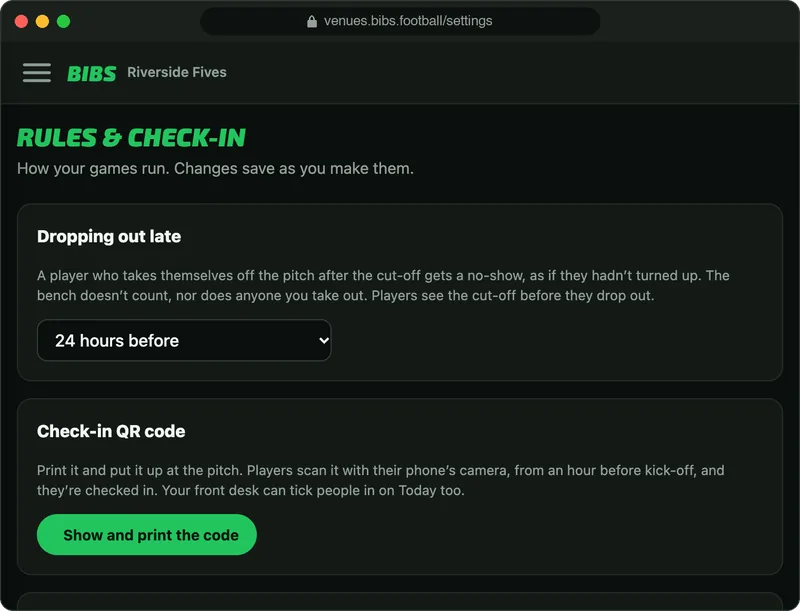
Rules and check-in in the Bibs venue portal: dropping out late, with the cut-off set to 24 hours before.

Late drop-outs count

Set a cut-off, from 2 hours to 3 days before kick-off. A player who drops out after it gets a no-show, and repeat no-shows are suspended. Players see the cut-off before they drop out.
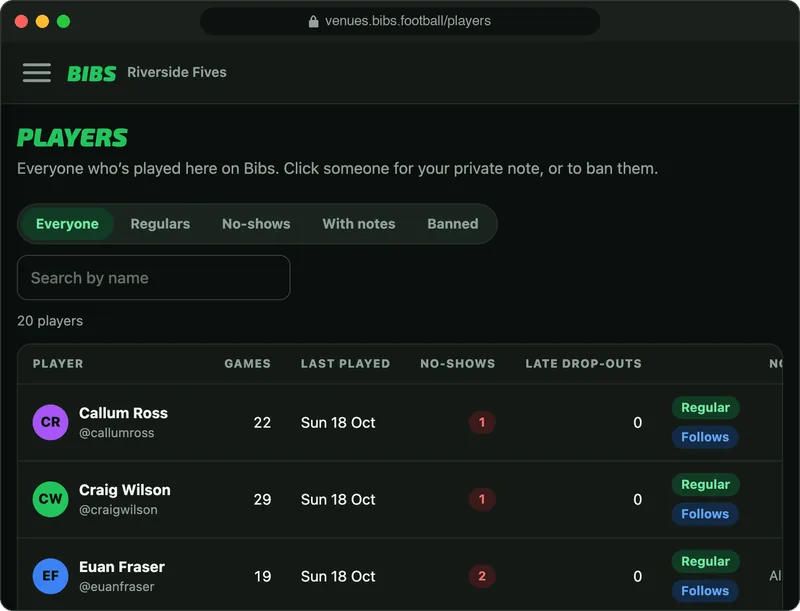
Players in the Bibs venue portal: everyone who's played there with their games, last game, no-shows and late drop-outs, and who's a regular.

Know your regulars

Everyone who's played at your venue: their games, no-shows and late drop-outs, who's a regular and who follows you. Keep a private note on anyone, or ban them.
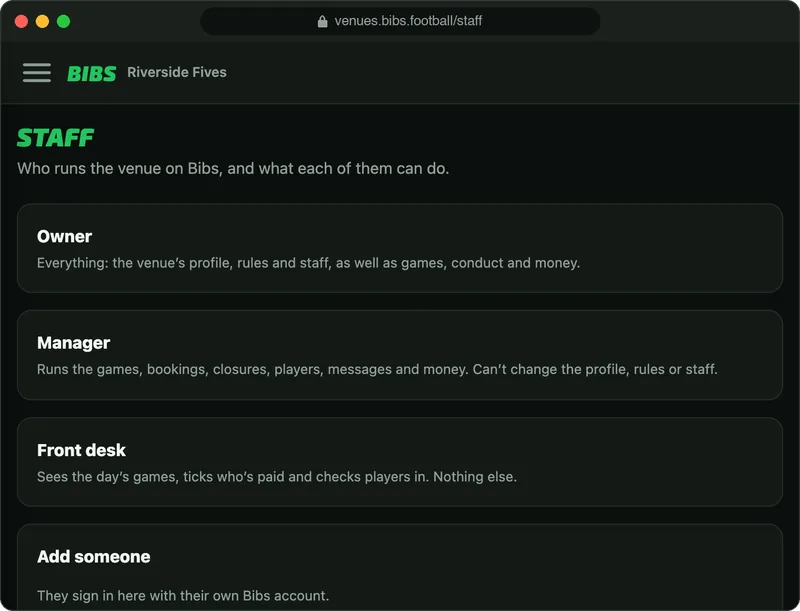
Staff in the Bibs venue portal: what an owner, a manager and the front desk can each do.

The right access for each of your staff

Owners, managers and the front desk each sign in as themselves. The front desk sees the day's games, who's here and who's paid, and nothing else.

Get paid before kick-off

No more chasing fivers in the car park.
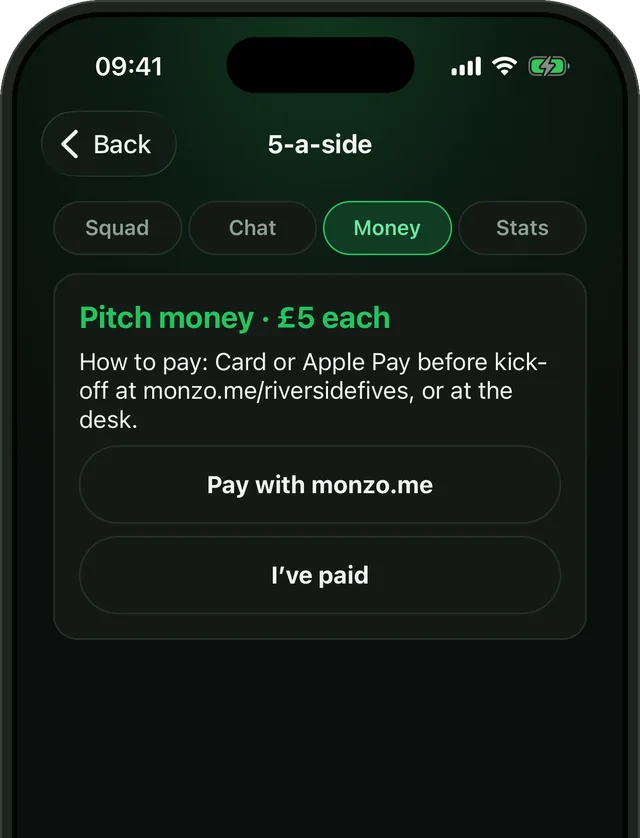
A game's Money tab in Bibs: pitch money of £5 each, how to pay, a Pay with monzo.me button and I've paid.

Every player knows what they owe, and how to pay it

  • Put a fee on each weekly game, and players see it before they join.
  • Add your payment link, from Monzo, PayPal, Revolut or your own card-payment page, and every player gets a Pay button.
  • Players tick "I've paid", and your front desk ticks the rest as they arrive.
  • One tap reminds everyone on the pitch who still hasn't paid.
  • The money goes straight to you, never through Bibs.

Know how the venue's doing

The dashboard counts it all as it happens, so you can see where the empty hours are and fill them.
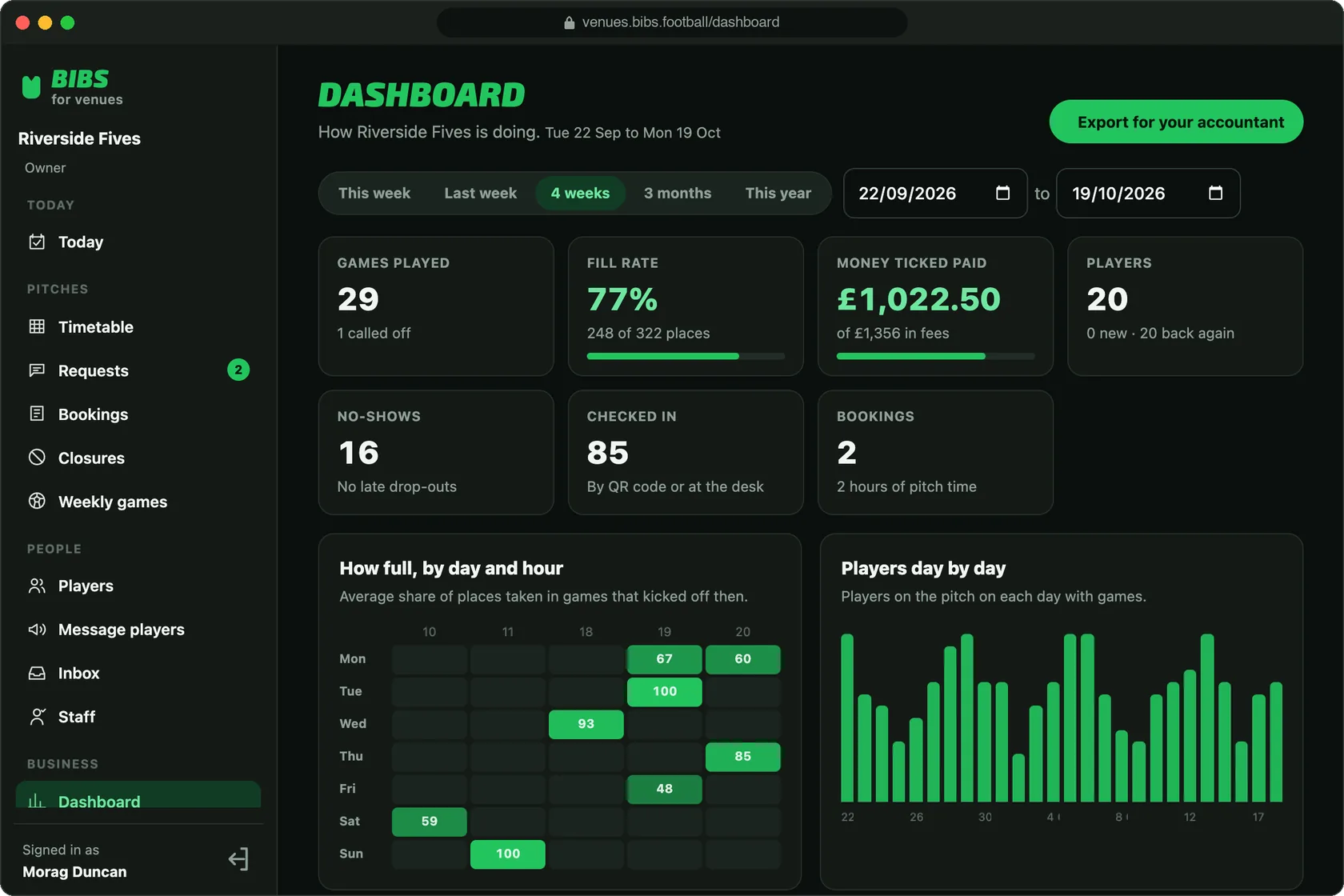
The dashboard in the Bibs venue portal: games played, a 77% fill rate, money ticked as paid, players, no-shows and check-ins, with how full each day and hour is and players day by day.
  • How full every pitch is, by day and hour, and the quiet hours worth offering as free hours.
  • Money ticked as paid against the fees due.
  • No-shows, late drop-outs and check-ins, and players new and coming back.
  • Any dates you like, and an export for your accountant.
Leagues

Leagues, and a screen for the bar

Run a league on a quiet night, and show it off on the TV while people wait for their game.
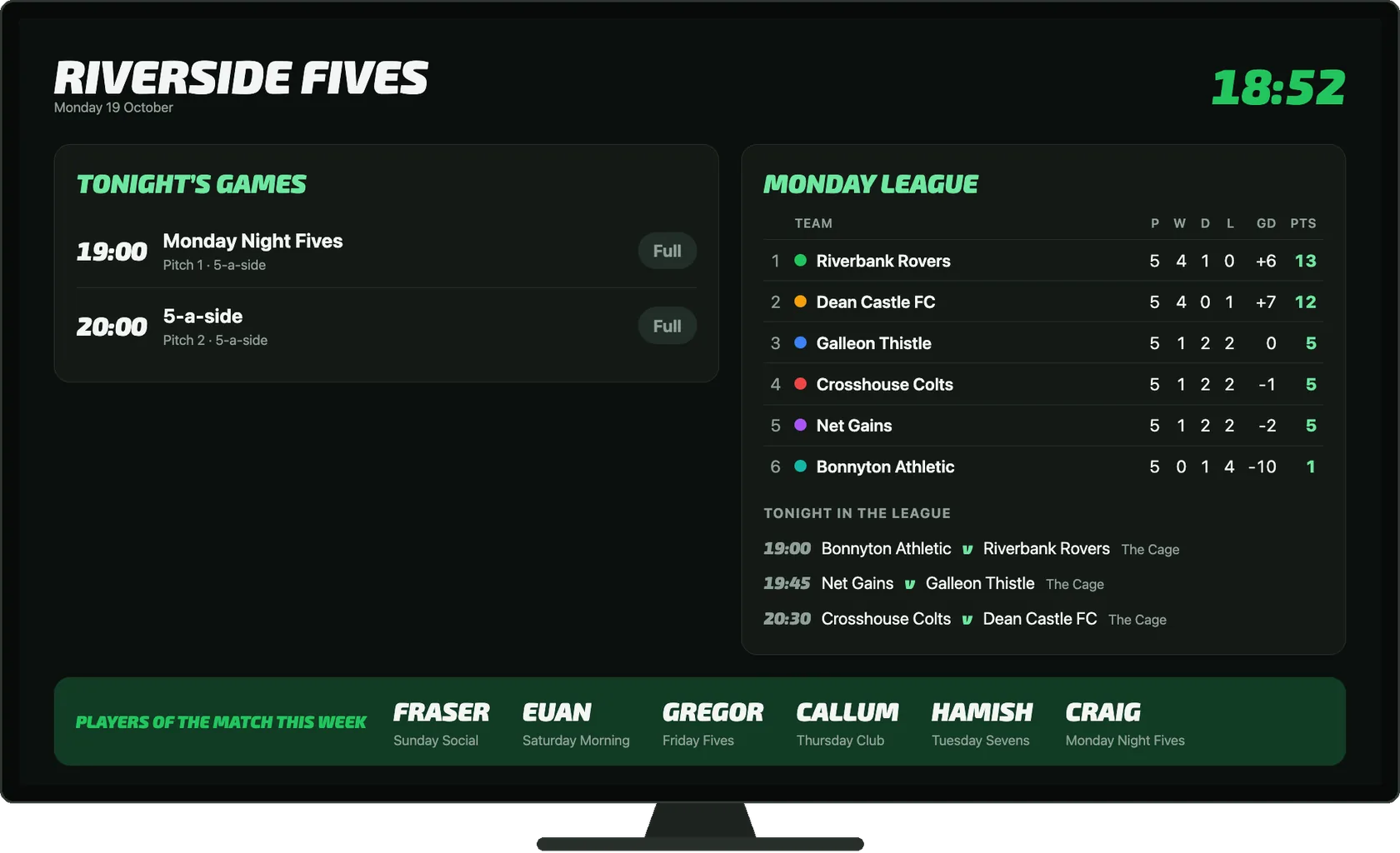
The clubhouse screen on a TV: tonight's games, the Monday League table and tonight's league fixtures, and the week's players of the match.
  • Bibs draws the season over your pitches and kick-offs, and every game goes on both teams' calendars.
  • The table keeps itself, from the results both sides send in. You settle anything they don't agree on.
  • The clubhouse screen puts tonight's games, your league tables and the week's players of the match on the TV in your bar, and keeps itself up to date.
  • Nothing to install: open its address in the TV's web browser.

See your pitches on Bibs

Drop us an email and we'll talk through what Bibs can do for your pitches and set your venue up, usually the same day. Nothing to configure yourself.

Email venues@bibs.football

The screens on this page show Riverside Fives, an example venue.